
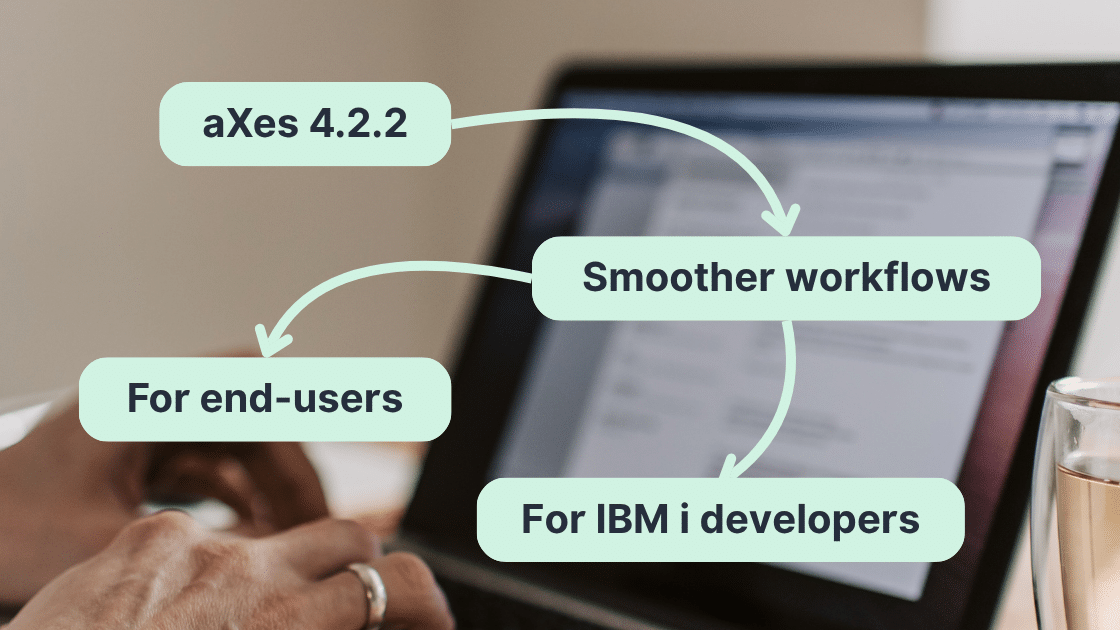


We are excited to announce the release of aXes 4.2.2, delivering over 40 enhancements that make the product more secure, reliable, and user-friendly.
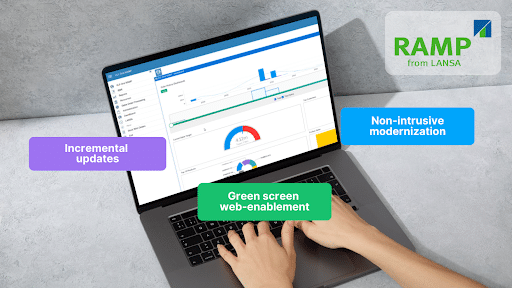
💡 Quick recap: aXes is LANSA’s 5250 modernization solution, built for automated green screen scraping, web enablement, and professional low-code upgrades on IBM i. Thousands of IT professionals run refreshed mission-critical applications on aXes to streamline workflows and accelerate digital transformation without disruption. Learn more here.
What’s New in this Release
Driven by valuable customer feedback and requests, aXes 4.2.2 introduces modern authentication, enhanced security, improved UI/UX, and greater reliability. Highlights include:
Modern Authentication with OAuth 2.0
aXes now supports OAuth 2.0 and XOAUTH 2.0 authentication for SMTP, POP, and IMAP services. This ensures compatibility with modern email providers like Microsoft 365, while providing stronger, token-based security that eliminates reliance on static passwords for business applications.
Secure Credential Handling in ProgramCall()
To enhance security and compliance, aXes now supports token mapping in ProgramCall. This enhancement keeps sensitive credentials protected during authentication and ensures safer communication across integrations.
Dynamic Theme Switching
Administrators and developers can now change Material Design themes programmatically, making it easy to customise the look and feel of applications. This flexibility allows organisations to adapt the UI with their branding or user preferences without redevelopment.
Smarter Screen Resizing
aXes screens now adapt automatically when the browser window size changes, providing a smoother and more consistent experience across desktops, laptops, and different display environments easily.
Enhanced System Reliability & User Experience
aXes 4.2.2 delivers smoother workflows for both administrators and end users, featuring highly requested enhancements that improve consistency, strengthen stability, and refine the user interface.
For a complete list of enhancements and fixes, please refer to the Release Notes.
How to Install aXes 4.2.2?
aXes 4.2.2 is available on both the aXes download site and the LANSA Support Portal.
For technical steps and examples, please refer to the documentation. You can also chat with LANSA AI or our Support Team for guidance.
If you’re new to aXes, don’t hesitate to contact [email protected] or your Account Manager to get started.