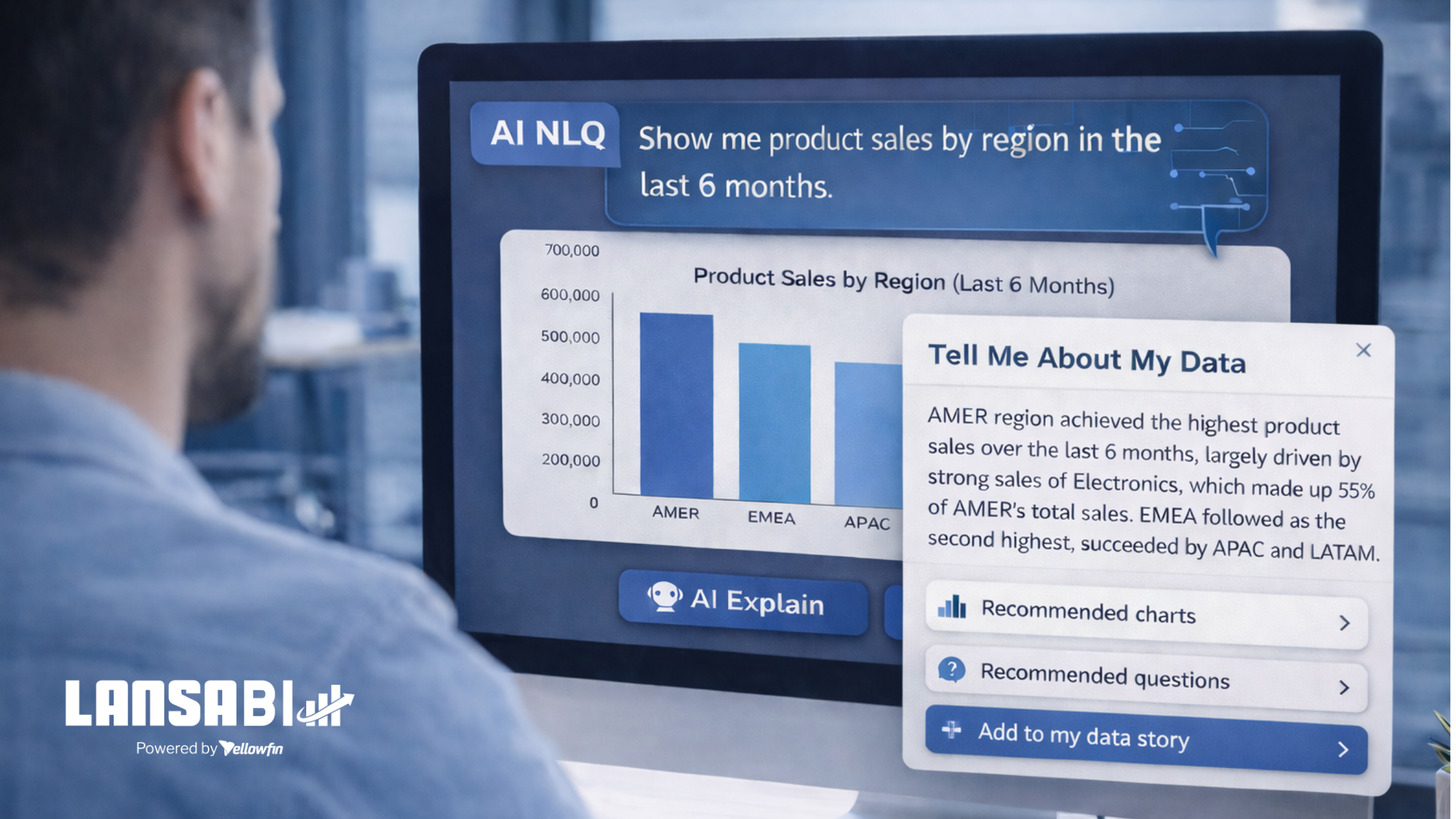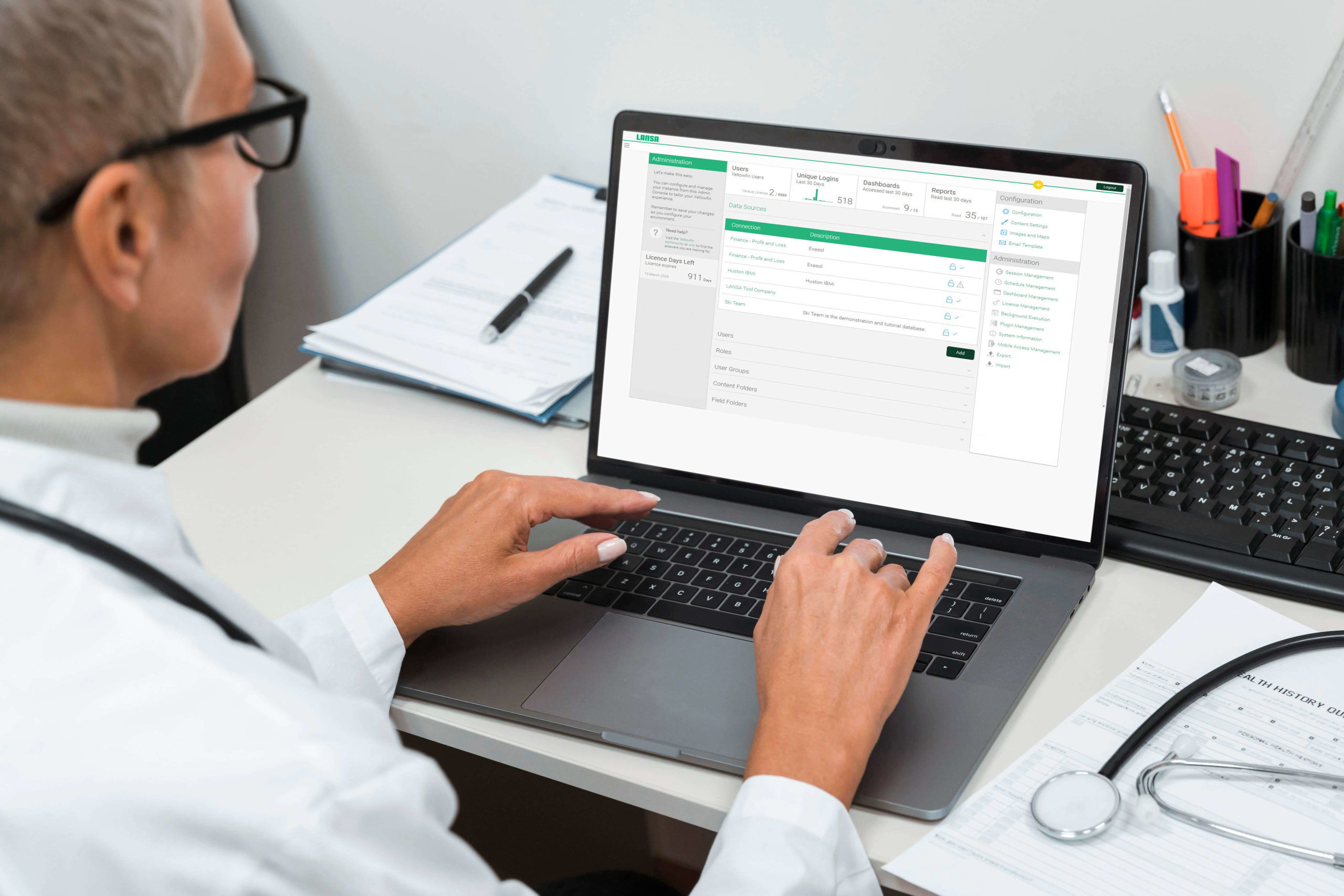

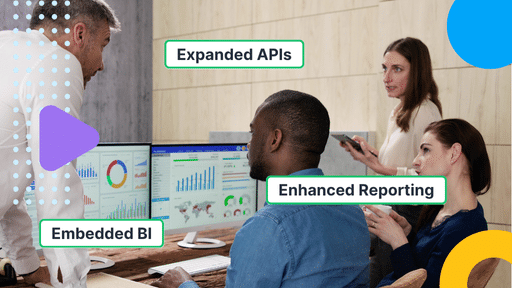


The latest release of LANSA BI has arrived, bringing new capabilities that make it easier to integrate data-driven insights into your core applications and workflows.
Whether you’re running on IBM i or Windows, version 9.14 gives you more flexibility to deliver intelligence where it’s needed most — right at the point of decision-making.
This isn’t just a technical upgrade. It’s a step toward digital transformation: breaking down silos, increasing agility, and enabling faster, more informed action across the business.
Download LANSA BI 9.14 from the Support Portal now.
New to LANSA BI? Book a live demo to explore AI-powered business intelligence that you can easily integrate into your mission-critical applications.
Key Updates from LANSA BI 9.14
- Native IBM i V7R4 / V7R5 Compatibility
Run LANSA BI directly on IBM i to simplify your stack, reduce latency, and work closer to your data without maintaining separate reporting environments. - Expanded REST APIs for Embedded Business Intelligence
Gain greater flexibility and control when integrating dashboards and reports into mission-critical applications, enabling smarter decisions where they happen. - Quick-Start LANSA Application for BI Integration
Accelerate embedded analytics delivery with a Visual LANSA sample application you can easily tailor to visualize company data and jumpstart your business intelligence journey. - Enhanced Report Builder & UX Updates
Gain more control over how data is calculated, structured, and styled — with calculated totals, column reordering, and refined visual styling for brand customizations.
Power Up Your Applications with LANSA BI 9.14
For IBM i users, LANSA BI 9.14 is more than an upgrade. It’s a modernization catalyst. This release helps you embed more business intelligence components into your core applications, replacing disconnected reporting tools with integrated, real-time insights. Here’s what you’re getting:
Native IBM i and Db2 Compatibility
LANSA BI 9.14 is built to run directly on IBM i with seamless access to Db2 data, eliminating the need for external reporting systems or complex data transfers. This allows you to deliver insights faster, reduce latency, and simplify your architecture.
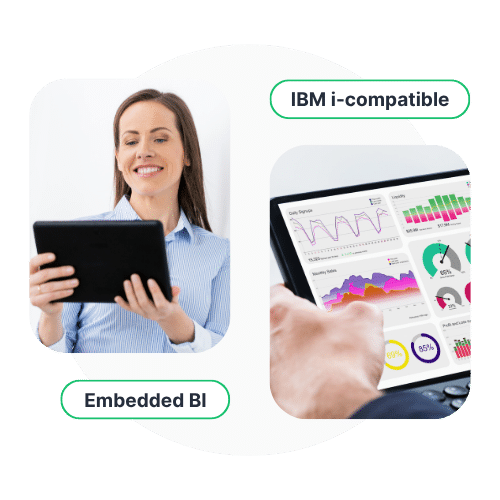
Embedded BI and Expanded APIs
Embedding business intelligence isn’t just about displaying charts — it’s about transforming how your users work. LANSA BI 9.14 levels up your integration options with powerful new REST APIs built for automation and flexibility.
What’s new:
- /content – Browse all user-accessible views, reports, and dashboards to build dynamic, personalized interfaces.
- /dashboards, /presentations, /themes – Access and manage content metadata to craft custom embedded experiences.
- /health – Monitor deployment status with both authenticated and unauthenticated endpoints.
- /users and /import-export – Simplify user updates and view content dependencies during import.
- Cached filter refreshes – Trigger updates on dashboards and views using REST (previously limited to SOAP).
- New Integration API – Easily retrieve user and org context for plugin development, custom headers, and internal apps.
These enhancements give developers the tools to automate client onboarding in multi-tenant environments, build interactive dashboards inside LANSA applications, and streamline business intelligence workflows across the board.
Quick-Start Business Intelligence Application for Visual LANSA Developers
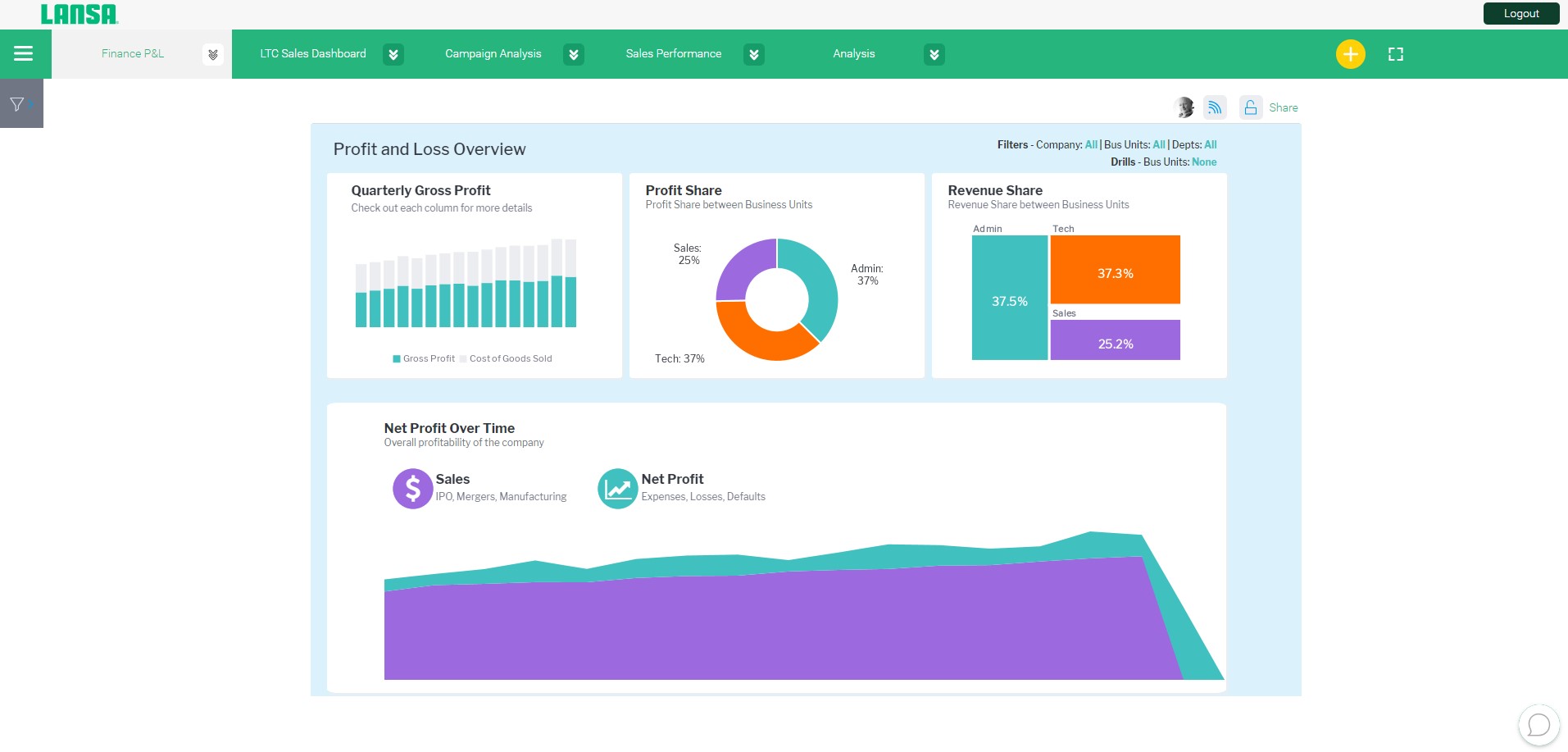
To help you get started quickly, LANSA BI 9.14 includes a sample Visual LANSA application that shows how to embed and interact with reports, dashboards, and content using the new APIs.
This ready-to-use application can be tailored to visualize your company data in a few easy steps and accelerate your time-to-market.
Enhanced Report Builder & UX Improvements
LANSA BI 9.14 introduces important upgrades that enhance both how data is calculated and how reports are styled:
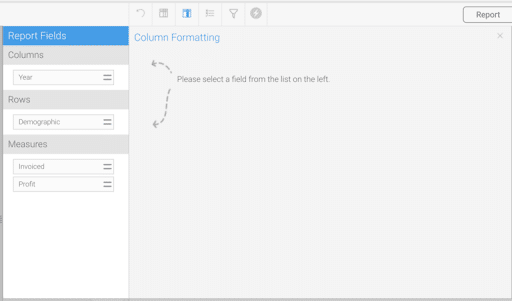
- Drag-and-drop column reordering – Reorganize columns quickly from the Column Formatting page — especially helpful for large, complex reports.
- Calculated Totals in charts – Recalculate values like ratios (e.g. Return on Equity) at total/subtotal levels, ensuring accurate KPIs beyond traditional aggregations.
- Visual styling improvements – Customize elements such as chart label line colors to create more polished, readable reports aligned with user preferences or branding.
These enhancements make it easier for teams to deliver precise, insight-rich reports that meet complex requirements, without adding friction to the build process.
More 9.14 Highlights
- Unified UI Popups – Cleaner, consistent popups for sharing, editing, creating folders, and more.
- Folder Access Management – Resize columns, filter by People/Groups/Clients, and always see Save/Cancel buttons while scrolling.
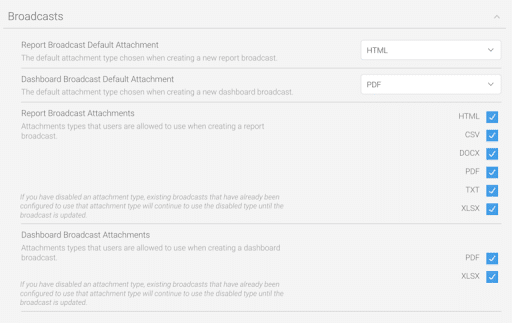
- Attachment Controls – Separate roles for TXT and CSV exports, and more granular control over broadcast attachment types.
- Image Manager Enhancements – Paste images from your clipboard directly into dashboards, stories, or presentations.
- Custom Avatars – User initials now appear by default, and background colors can be personalized using a color picker or hex codes.
Get started with LANSA BI 9.14
Already using LANSA BI? Download the latest version from the Support Portal and start taking advantage of these new features today. Check out the implementation guide here or contact [email protected] for technical assistance.
Exploring IBM i-based and/or embedded business intelligence for the first time? Book a live demo and see how LANSA BI along with this update brings AI-powered business intelligence into the heart of your applications.