


A well-crafted UI/UX design is not just fancy, it is important for the success of software products. It also improves user satisfaction and enhances a software product’s value by creating intuitive, user-friendly interactions that drive long-term success. With the Visual LANSA Material UI Kit, the UI/UX design process is made easier for your UI designers and developers. It offers ready-made components like buttons, fields, and cards you can easily customize to meet your needs and maintain a cohesive look your developers can easily match on Visual LANSA.
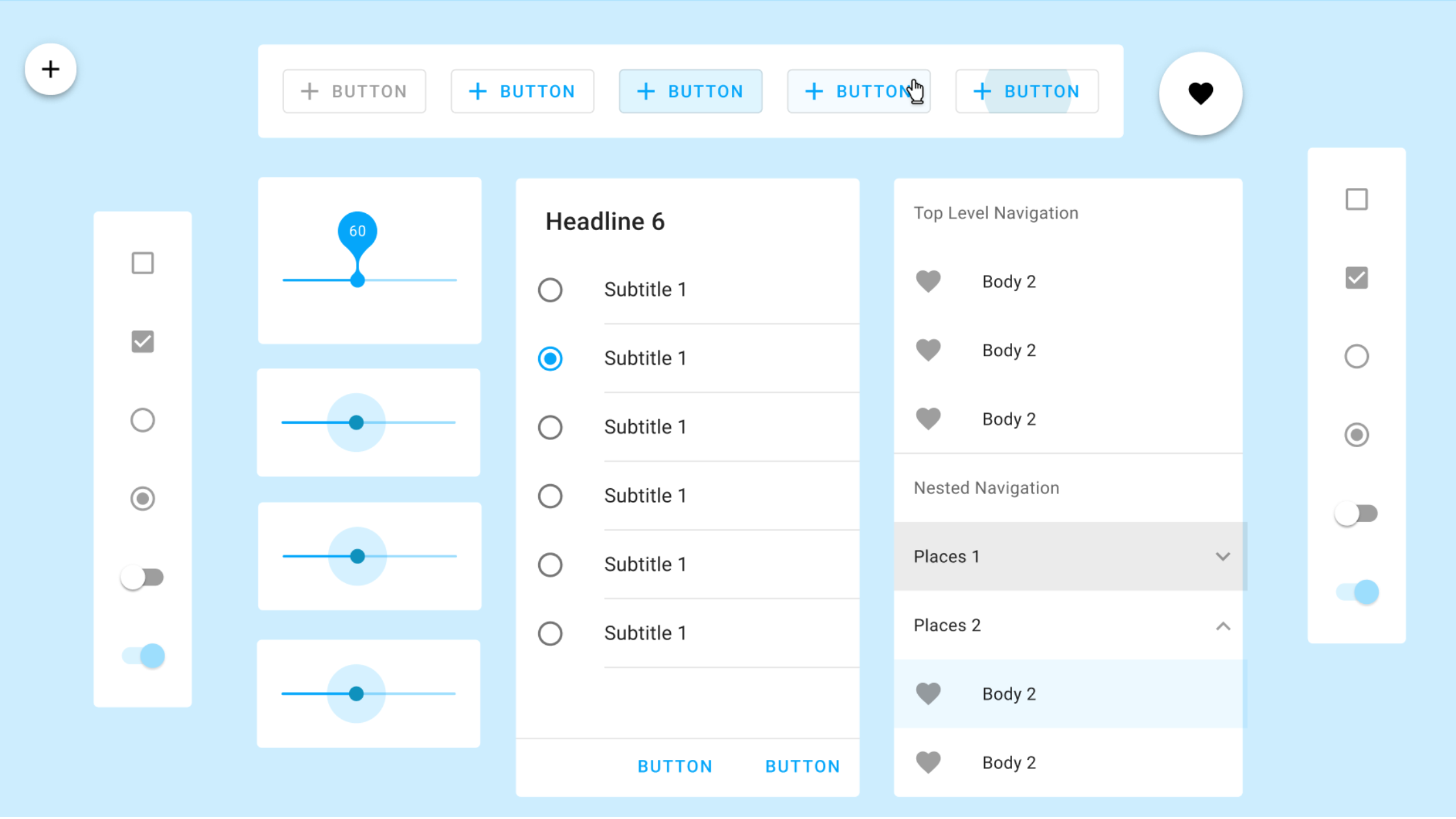
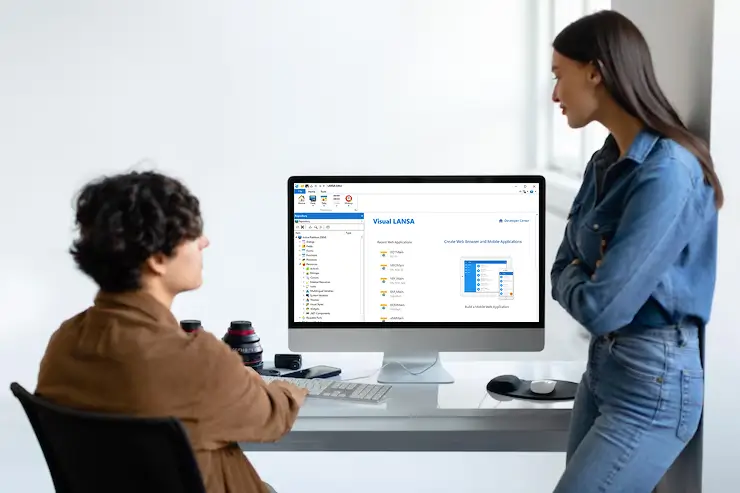
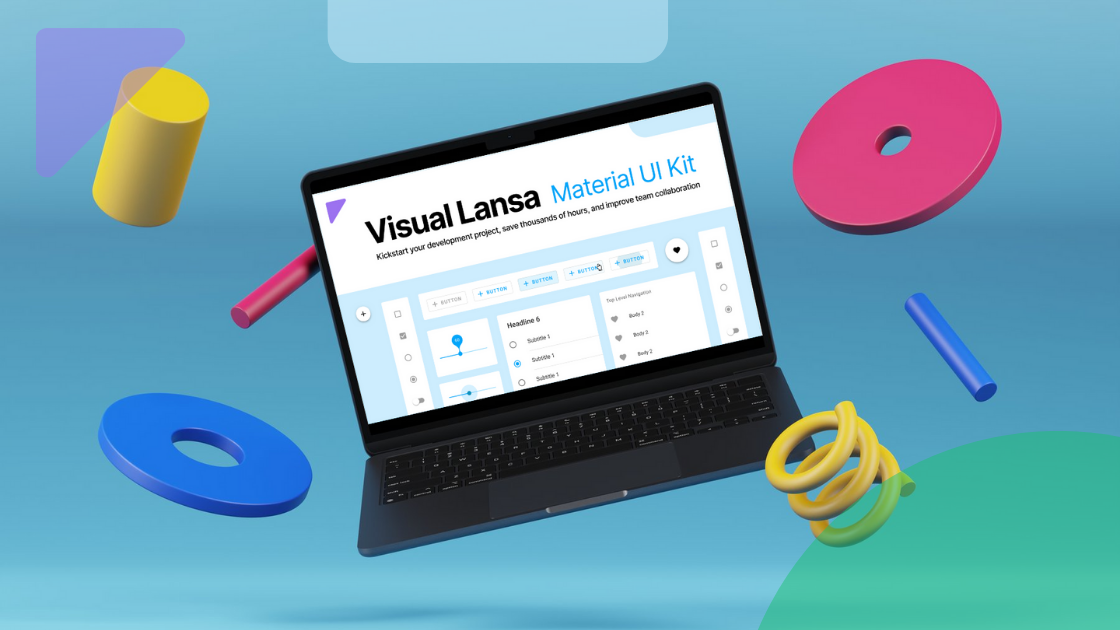
Visual LANSA Material UI Kit interface showcasing pre-built design elements
The free Visual LANSA UI Kit for Figma makes the front-end development process easier. It helps build modern UI mockup designs and consistent user experiences for LANSA business applications. UI Designers and developers can rapidly build, test, and approve ideas before any coding work for maximum development efficiency. It not only speeds up the design and development process but also boosts the productivity of software development teams.
Key Insights
- The free Visual LANSA Material UI Kit provides pre-built UI components, reducing the time and effort needed to design applications with Figma.
- Using the LANSA UI Kit, designers can easily customize elements to match the project’s unique design requirements, ensuring flexibility and adaptability in UI/UX design.
- With the Visual LANSA UI Kit’s well-structured and organized framework, developers can efficiently align the design with reviewer feedback, ensuring the final implementation accurately
reflects design updates and review comments — all while streamlining the development workflow.
Why Get Your Free Visual LANSA Material UI Kit Now?
Here’s how the free Visual LANSA UI Material Kit can help software developers and designers alike:
1. Expertly Made by Designers for Designers
The Visual LANSA Material UI kit is bundled with pre-configured templates and customizable components that are designed based on Material Design principles. These ready-to-use components help UI designers create an application’s user interface without spending hundreds of hours.
2. Enhance UI Consistency Across Projects
Consistency is key to crafting or designing a seamless user experience. The Visual LANSA Material UI Kit provides various pre-built and standardized design components that ensure uniform layout across your projects.
With the Visual LANSA UI Kit, maintaining design consistency across the project becomes effortless. Developers can rely on predefined, standardized components that match the approved design, eliminating the need to reinterpret designs or create UI elements from scratch. This streamlined approach reduces development time and ensures the final product aligns with the intended user experience.
Keeping the layout or design consistent helps avoid confusing users and makes your software product look more professional.
3. Win Stakeholder Confidence with High-Fidelity Designs
One of the biggest challenges in the software development process is aligning the stakeholders’ expectations with the final product. The Visual LANSA Material UI kit provides a repository of validated UI components. These elements help UI designers design interactive mockups and prototypes.
The Visual LANSA UI Kit allows UI designers to create clear and reliable visuals that reduce misunderstandings and accurately present real-world outcomes. The well-structured and functional design of the Visual LANSA UI Kit components ensures that every stakeholder can easily interpret concepts, building trust and confidence in your proposals. Product and development teams can present polished designs that align with project goals more quickly.
4. Boost Collaboration Between Designers and Developers
The Visual LANSA Material UI Kit bridges the gap between UI designers and the software development team. Using this UI kit, designers can quickly design mockups that give developers a clear blueprint for building applications. It also ensures consistency and clarity by providing predefined assets and guidelines to minimize errors during development.
The UI Kit helps maintain a uniform design across different mobile and web platforms, making design implementation easier for developers. It provides standardized components, enabling developers to translate designs into functional interfaces within Visual LANSA easily. This standardization facilitates smooth collaboration between designers and developers, ensuring that the final implementation closely matches the design intent. With predefined styles, components, and layouts, developers can focus on functionality and business logic rather than interpreting design files from scratch.
Expert Tips to Get the Most Out of the Visual LANSA Material UI Kit in Figma
Using the Visual LANSA Material UI kit in Figma, UI designers and developers can maximize their design efficiency with these expert tips:
Experiment with Customization
The Visual LANSA Material UI Kit for Figma offers customizable elements to match every need. You can easily create professional designs with ready-made components from buttons to fields. The free UI Kit comes complete with menu designs, sleek data tables, and various visualization widgets, all with dynamic theme options to enhance user experience and adaptability.
Designed for Flexibility: Dark Mode, Mobile, and Modern Standards
The Visual LANSA UI Kit is built with flexibility in mind. It supports both light and dark modes out of the box, allowing teams to design for different user preferences with ease. The kit also includes responsive components, ensuring designs adapt seamlessly across desktop and mobile devices. Furthermore, the kit is compatible with Google Material Design, giving developers a familiar foundation to work with when implementing the designs in Visual LANSA. This combination helps teams create modern, user-friendly interfaces while maintaining consistency and reducing rework during development.
Collaborate Early
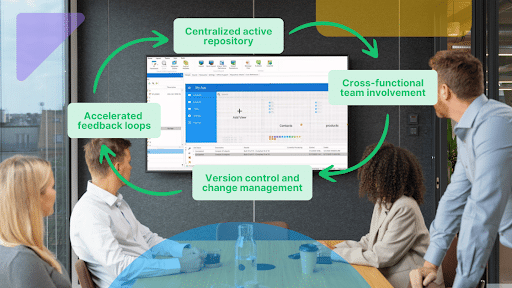
When working with the Visual LANSA UI Kit in Figma, designers can easily share their designs with the entire development team and business stakeholders. This facilitates collaboration, allows faster feedback loops, quicker iterations, and ensures the final product aligns with both technical feasibility and end-user expectations.
Design Beautiful and Intuitive LANSA Applications
The Visual LANSA UI Kit empowers UI designers and developers to design better interfaces in less time, ensuring that applications work intuitively. Whether you are refining an existing interface or working on a new project, this Visual LANSA UI kit is a great resource for creating modern UI design.
Ready to improve your UI design? Download the Visual LANSA Material UI Kit today to get started.